Stay in time
Choose note lengths and see how much of each beat is still open.
Explore this feature ↗Tools for writing tonic solfa, hearing each voice and sharing the music you create.
From the first note to the finished page, the tools stay close to the music.
Choose note lengths and see how much of each beat is still open.
Explore this feature ↗Shape the voices your piece needs, one score line at a time.
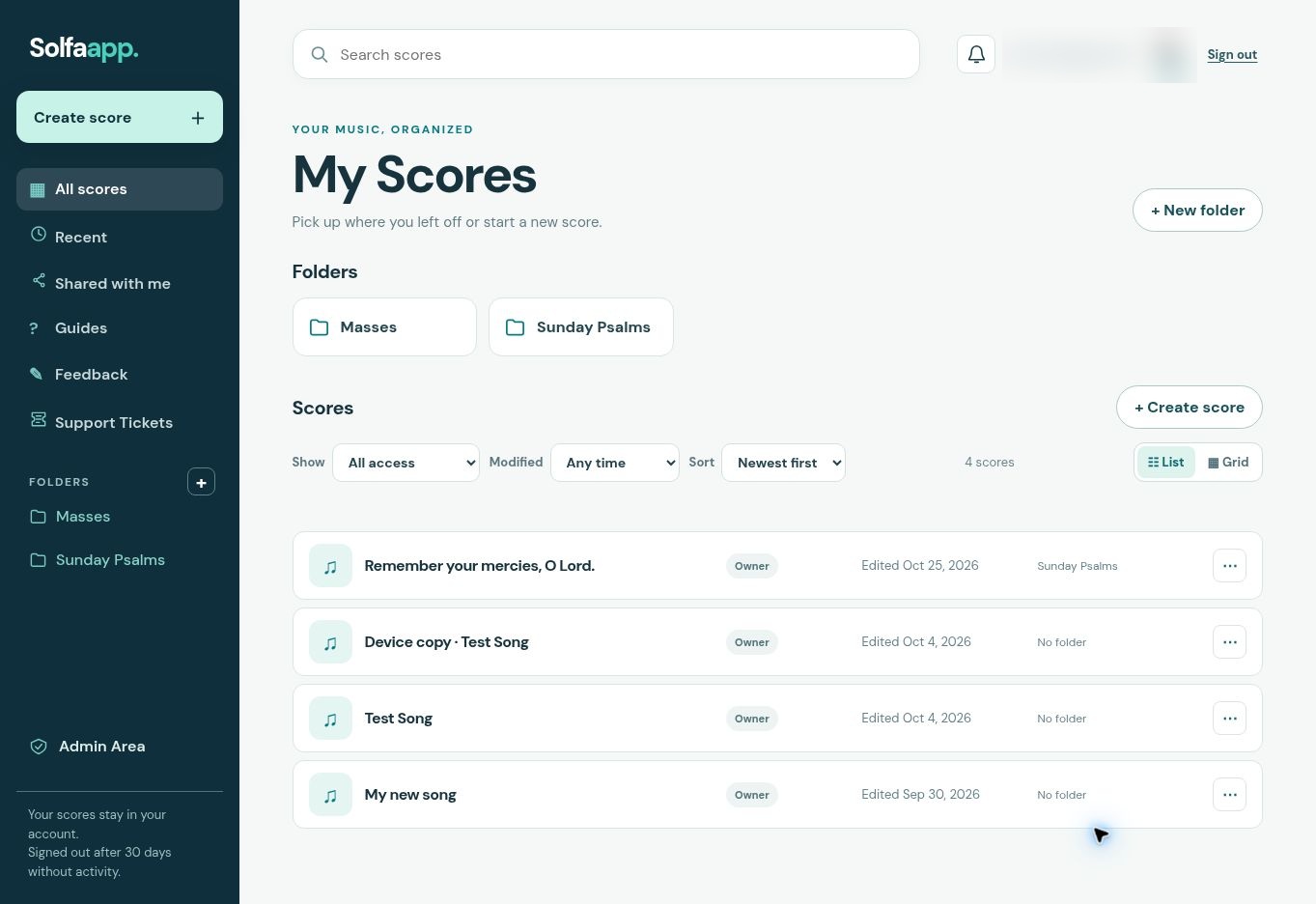
Explore this feature ↗Your scores save automatically and wait for you in My Scores.
Explore this feature ↗Invite collaborators, discuss a note, and review proposed changes.
Explore this feature ↗Open a recent score, organize pieces into folders, and find the one you need without hunting through files.
Choose the parts to hear in piano playback. Export MIDI for all voices or individual parts, using your score’s dynamics and playing order.
Add beat-based repeats, first and second endings, Bis, D.C., D.S., Fine, Segno and Coda. The score, playback and MIDI use the same navigation rules.
Set title fonts, key and meter, arrange score lines, add lyrics and export a PDF. Keep voice parts appropriate to each line and use the editor’s compact panes to find the controls.
Submit a saved score to Solfaapp Store with composer credits, a description and a licence. An administrator reviews it before it becomes public. Future private edits remain separate until you submit an approved update.