Stay in time
Choose note lengths and see how much of each beat is still open.
Explore this feature ↗Write the music you hear, bring each part into place, and keep your scores ready for the people you compose with.
Tonic solfa · SATB and more · Save online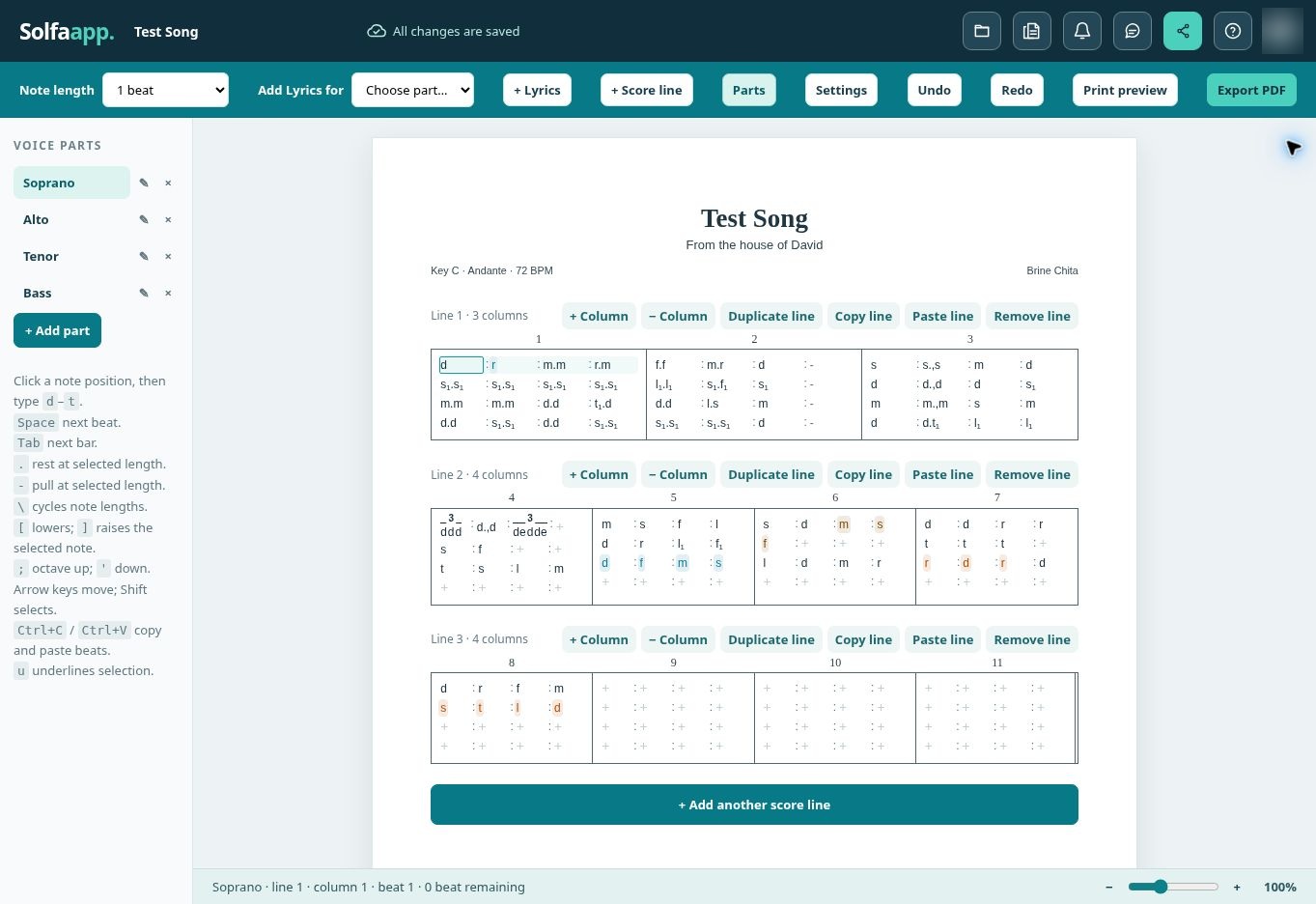
From the first note to the finished page, the tools stay close to the music.
Choose note lengths and see how much of each beat is still open.
Explore this feature ↗Shape the voices your piece needs, one score line at a time.
Explore this feature ↗Your scores save automatically and wait for you in My Scores.
Explore this feature ↗Invite collaborators, discuss a note, and review proposed changes.
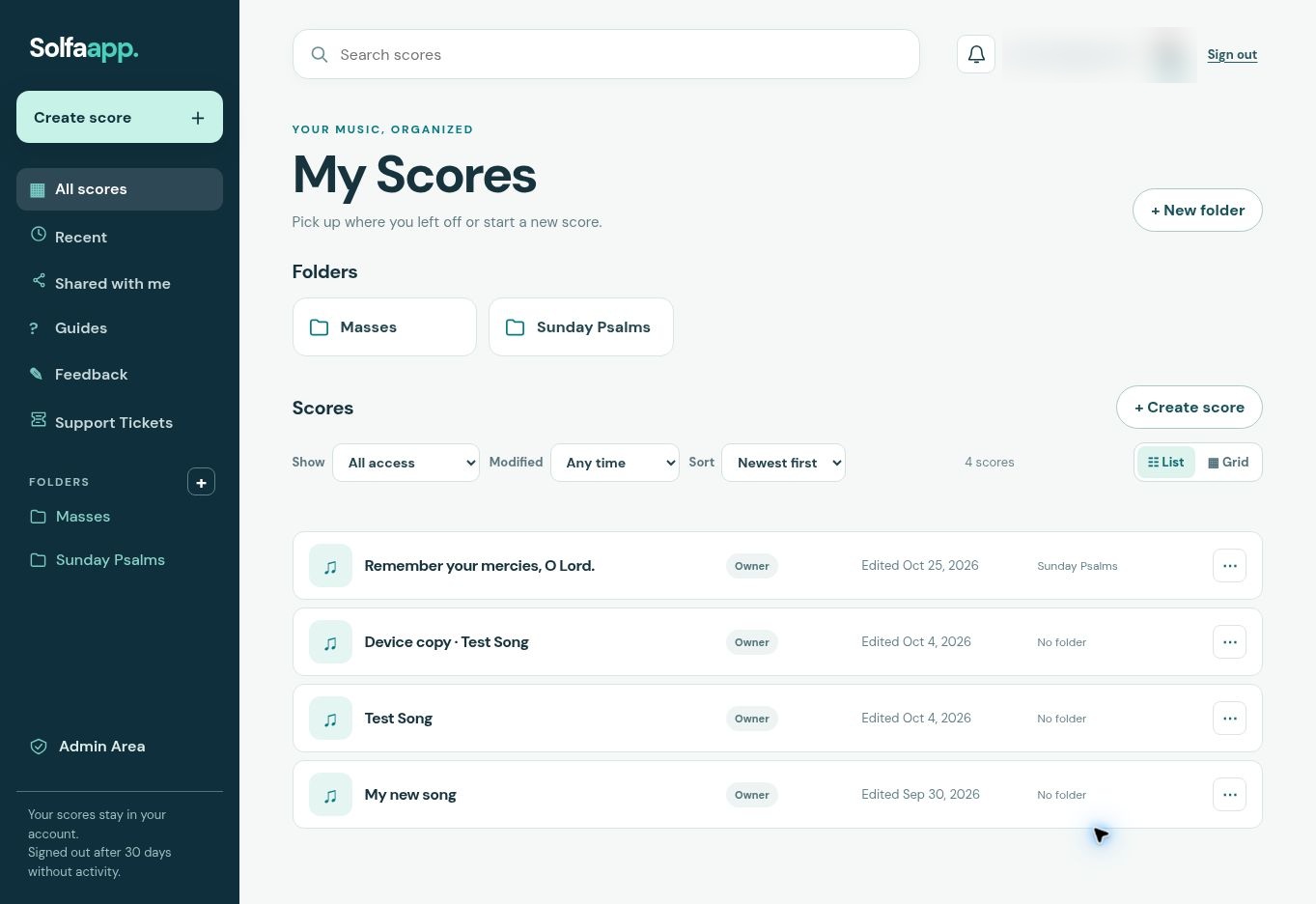
Explore this feature ↗Open a recent score, organize pieces into folders, and find the one you need without hunting through files.
Start composing now. Basic and Pro subscriptions are planned for a later release.
A working space for your first scores.
More room for a growing collection.
For composers with more to manage.
Plan prices and exact limits will be announced before subscriptions open. No payment is required to create an account today.
Solfaapp is growing with composers. We’ll share real stories here as they come in.
Have you tried writing a score with Solfaapp? Tell us what worked and what would make composing easier.
Share feedbackSolfaapp is for tonic solfa scores. You can write multiple voice parts, set note lengths, add lyrics, and arrange your score lines.
Yes. While online, changes sync to your account. If you lose your connection, edits remain in this browser and sync when you reconnect.
Yes. Invite people to a score with a role. Co-Composers can write directly; Editors propose changes for the owner to review. Commenters and Viewers have their own access levels.
You can export a PDF from the editor. Solfaapp checks for incomplete bars during export and points you to any that need attention.
No. The app currently allows account creation without payment. Prices, limits, and subscription checkout will be shared before paid plans launch.
Short reads to help you make more of every score.
A clear score starts with knowing how long each note lasts.
Read articleBuild a part by part score that stays readable as it grows.
Read articleBring another musician into the same piece with a clear role.
Read articleYour next score starts here.